Drop.Video / Presentations2go
Controller Listen IP Address
The IP address used to communicate with the video server. In case you have 2 network ports, select the correct network to improve live and publish performance.
Hardware Acceleration (Presentations2Go live)
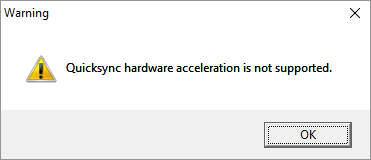
GPU rendering will reduce the CPU load. 3th generation or higher Intel processors can use QuickSync GPU for video rendering. If you have a 7xx or higher Nvidia card you can also use CUDA GPU video rendering. Make sure you install official Nvidia drivers. Windows default nVidia driver is too old.
Check the availability of nVidia CUDA / Quick Sync / AMD Radeon by selecting a mode. The check is automatically done.
Schedule Sync Mode
This feature enables you to setup a master - slave setting.
- Two ways
- Server to Controller
Default two way sync will be selected. With the Server to Controller setting the Server will become the master and Controller the slave.
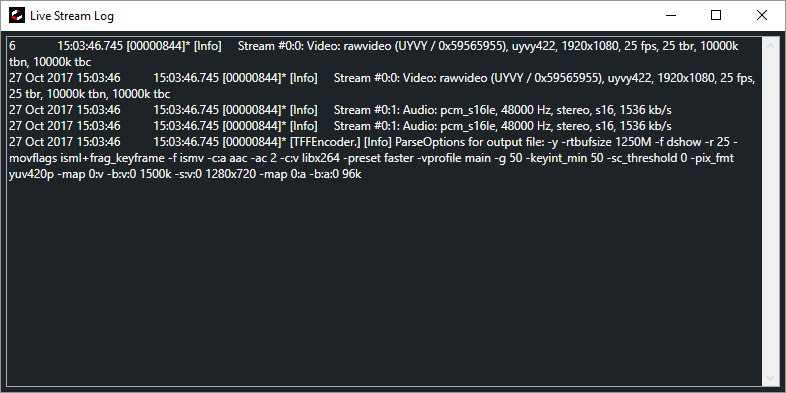
Show Live Stream Log Window
If you have trouble with live streaming you can monitor the stream log. A separate window will appear as soon as you start live streaming.
Automatic stop external with live
When you stream live, external is automatically turned on. This option will also disable external when you stop live streaming.
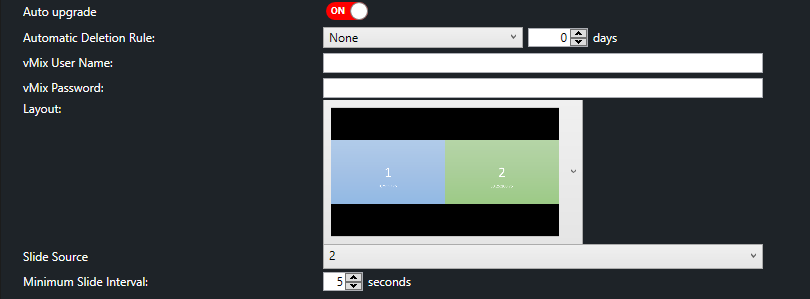
Recording hardware acceleration
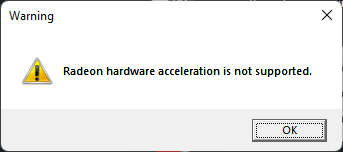
Since iStream is now recording instead of vMix, you can select hardware acceleration. Once you select an option, it will first test if this option is available.
Recording Quality
The recording quality (per individual track) can be set.
- low (2Mbps)
- medium (4Mbps)
- High (8Mbps)
NOTE: Since this applies per track, low would be sufficient for Full HD projects.